
Just The Tech: Tools That Turn Creative Ideas Into Income
Discover the essential tech stack for creatives who consult, freelance, or sell services—without overcomplicating your workflow.

Creative businesses don’t falter because of a lack of ideas. They stall because there’s friction between interest and action.
This Just The Tech! edition breaks down the tools that remove that friction so you can spend less time managing chaos and more time doing the work you’re actually paid for.
Over here at Creative Enabler, we LOVE trying out new creator tools/apps and talking shop when it comes to technology. You can read more articles over at the Creative Enabler website, join us in CREATE MORE CLUB, or check out our new content series, Just The Tech!
This post includes affiliate links for tools and apps that we like and feel confident recommending to you.

Tools to Go From Prospect to Profit
If you plan to consult, offer design services, or sell any kind of digital media, you need solid infrastructure in place to move interested prospects into paying clients/audience without friction.
Having a follow-up email, proposal, and payment system locked and loaded helps you keep momentum after an introduction, discovery call, or casual “Hey, what do you charge?” conversation.
Below are free and low-cost tools to help you promote your services, propose a scope of work, and collect one-time or recurring payments without overcomplicating things.
Dubsado
Free to start. Paid plans from $20/month
Dubsado is a client relationship manager (CRM) designed for service-based businesses. It helps you manage everything from first inquiry to contract signature, payments, scheduling, and file delivery all in one place.
It’s especially useful for designers, consultants, social media managers, and creative service providers who need a clean, professional workflow without duct-taping tools together.
What makes it powerful:
Customizable client portals for contracts, invoices, and project files
Digital signatures for scopes of work, agreements, and terms
Document tracking so you can see when clients open proposals
Interactive proposals that let clients choose a package and pay instantly
Built-in scheduling with calendar integrations and automated reminders
Email templates and automations to streamline follow-ups
You can start for free and upgrade as your client volume grows.
Or Try This (Free + DIY Stack)
If you’re keeping costs close to zero, you can still create a functional system using free tools:
Streak – Track email opens and manage leads directly inside Gmail
Boomerang – Schedule follow-ups and resurface emails that need a response
Typeform – Create a free intake form (up to 10 responses/month)
Google Docs + DocHub – Build fillable proposals and collect signatures
Stripe – Accept one-time or recurring payments with payment links or buttons
This setup isn’t fancy, but it works, and it’s a great way to validate your offer before upgrading.

Tools to Manage Your Creative Biz Money
QuickBooks
$10/month for the first 3 months
QuickBooks helps you track expenses, income, invoices, and billable time in one place. It integrates with scheduling tools like Acuity to automate invoicing and payments.
If you’re moving from side-project to solopreneur, reliable accounting software saves time, stress, and tax-season headaches.
Found
Free or $19.99/month
Found combines business banking with bookkeeping and tax tools. You get virtual cards, budgeting “pockets,” invoicing, contractor payments, and easy Stripe integration.
We’ve used Found for years and love how simple it makes separating personal and business finances, especially for creatives who don’t want to babysit spreadsheets.

Tools to Launch a Digital Presence
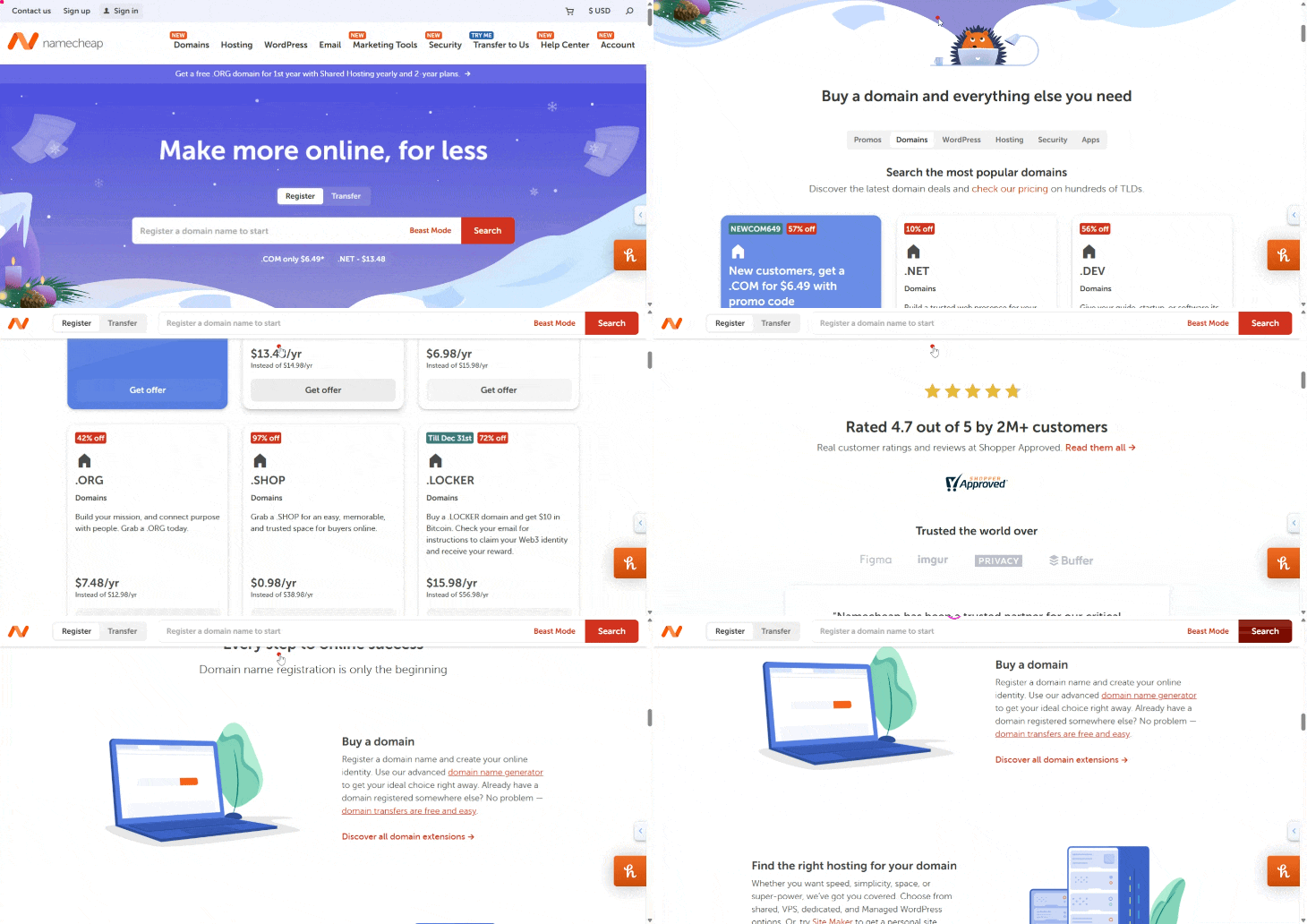
Namecheap
Namecheap is a solid option for purchasing affordable, branded domains. You can connect your domain to Substack, a landing page, or a full website.
Your domain is a digital asset meaning it is something you can repurpose or sell later.
Bonus tip: Use the Google Chrome extension Honey to automatically apply discount codes for Namecheap before you checkout for additional savings.
Try the code COUPONFCNC to get started!
Hostinger
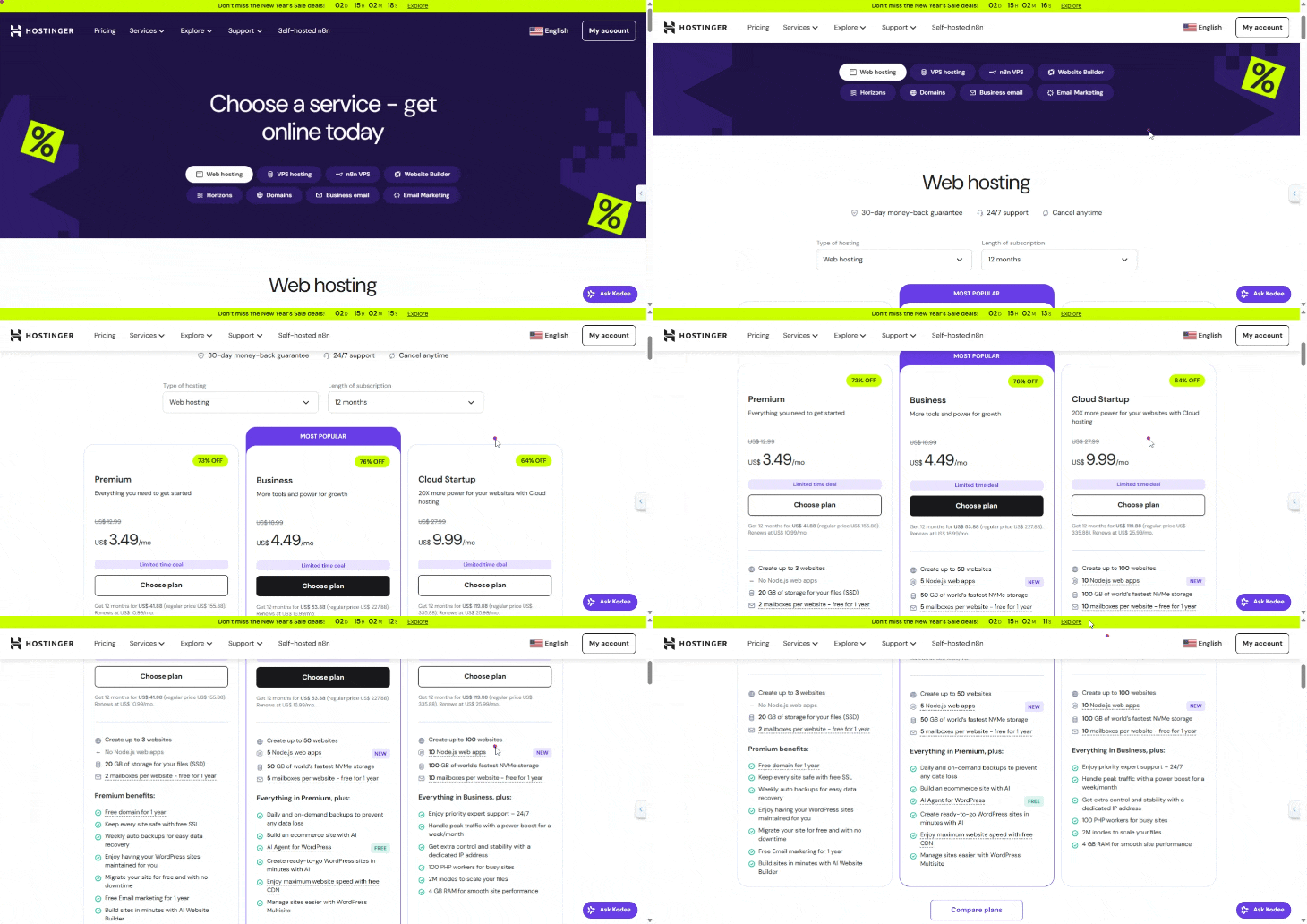
Hostinger offers budget-friendly hosting options for everything from simple landing pages to full WordPress sites.
Use Hostinger Horizons to build with AI
Use the drag-and-drop builder for fast setups
Or install WordPress if you prefer full control
Shopify
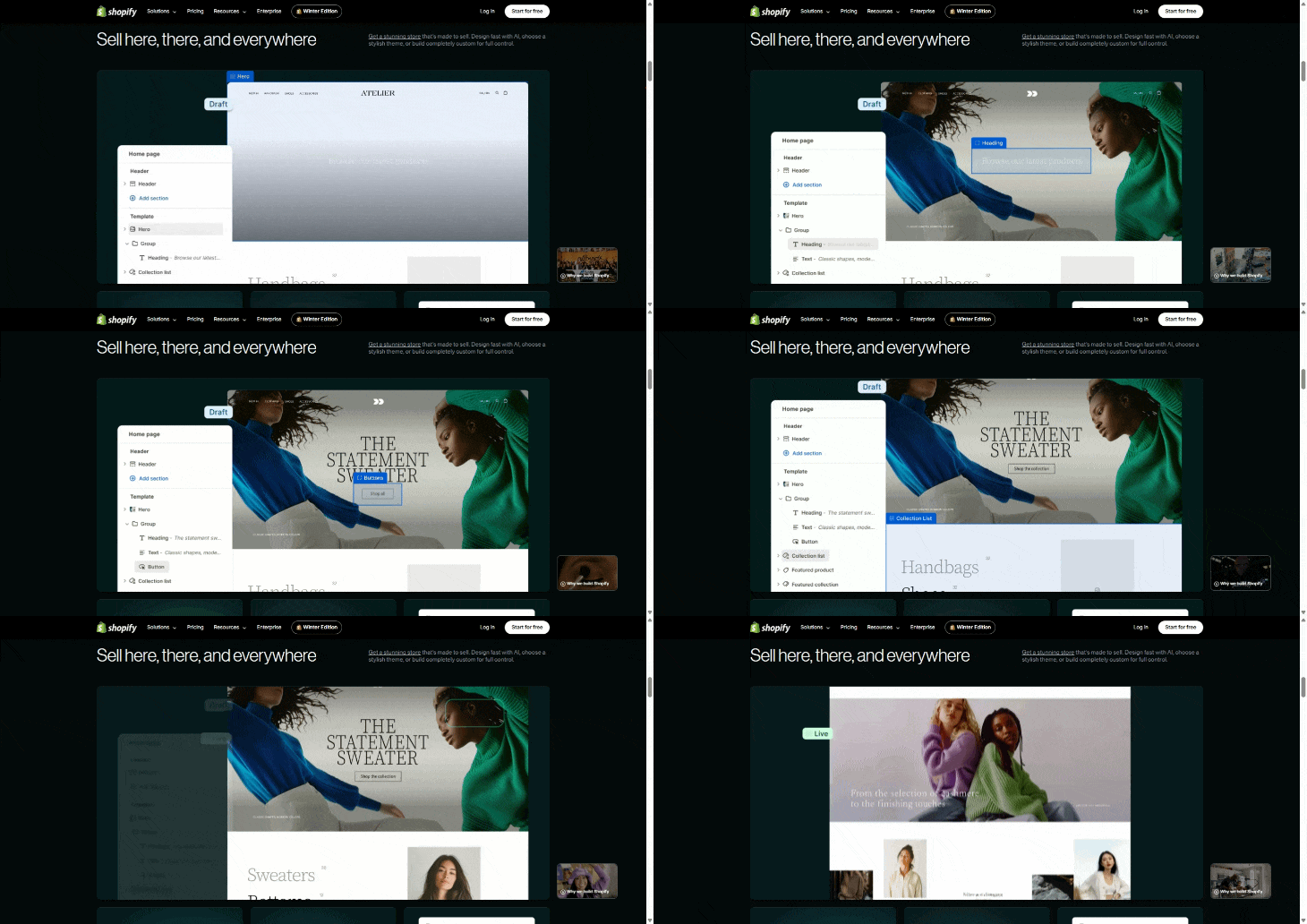
Shopify makes selling physical and digital products easy, especially when paired with social media like Instagram. It integrates well with print-on-demand tools like Printify, Printful, and Lulu for books and merch.
If you plan to sell products alongside services, Shopify scales with you. Start for $1 and hook up your social media accounts to create a seamless online shopping experience.
Substack
Substack works as a blog, newsletter, podcast host, and video platform in one place. It’s a strong option if you want content, community, and monetization under one roof.
Helpful tips:
Connect Google Analytics to track traffic on Substack (free)
Add a custom domain for a branded experience on Substack (fee + domain cost)
Use Adobe Podcast to clean up background noise off of your audio (free for 30 minutes max duration (up to 500 MB), 1 hour max per day)

Tools to Keep Your Audience Engaged
Kit (formerly ConvertKit)
Kit is one of the most powerful email marketing tools for creators. You can build automations, segment your audience, sell products, and run referral programs directly from your email list.
It’s not the cheapest option, but when used intentionally, it often pays for itself. My favorite thing about Kit is the Creator Network, which helps my newsletter get discovered and gain subscribers.
ManyChat
ManyChat powers those “comment below and I’ll DM you” automations you see on Instagram and TikTok.
You can:
Auto-DM links from comments
Generate leads from Stories
Send coupon codes or free Substack upgrades
Automate conversations using AI
There’s a free plan to explore before committing, and the monthly plan comes in at $15 per month.

Tools to Research, Learn, and Collect Ideas
Perplexity AI
Perplexity.ai is an AI-powered answer engine that combines large language models with real-time web search. It provides summarized answers with citations, making it ideal for research, idea validation, and content planning.
Think of it as a research assistant, not just another chatbot.
Recall.AI
Recall.ai helps you save, tag, and connect ideas from articles, videos, and notes so you can build a personal knowledge base over time which is super useful if you’re constantly collecting inspiration and research. Another cool feature is summarization of YouTube videos or longer form pieces of content so you can quickly collect the most important points.
In Conclusion…
You don’t need every tool on this list to get started. You need a clear offer, a simple system, and a way to get paid. These tools can help automate and expedite your success.
Start lean, upgrade intentionally, and build infrastructure that supports your creativity…not the other way around.
Q For You:
Which tools are currently working well in your creative business and which ones are you still searching for?

I use substack and perplexity.Al
A useful list.